


Room I
The page
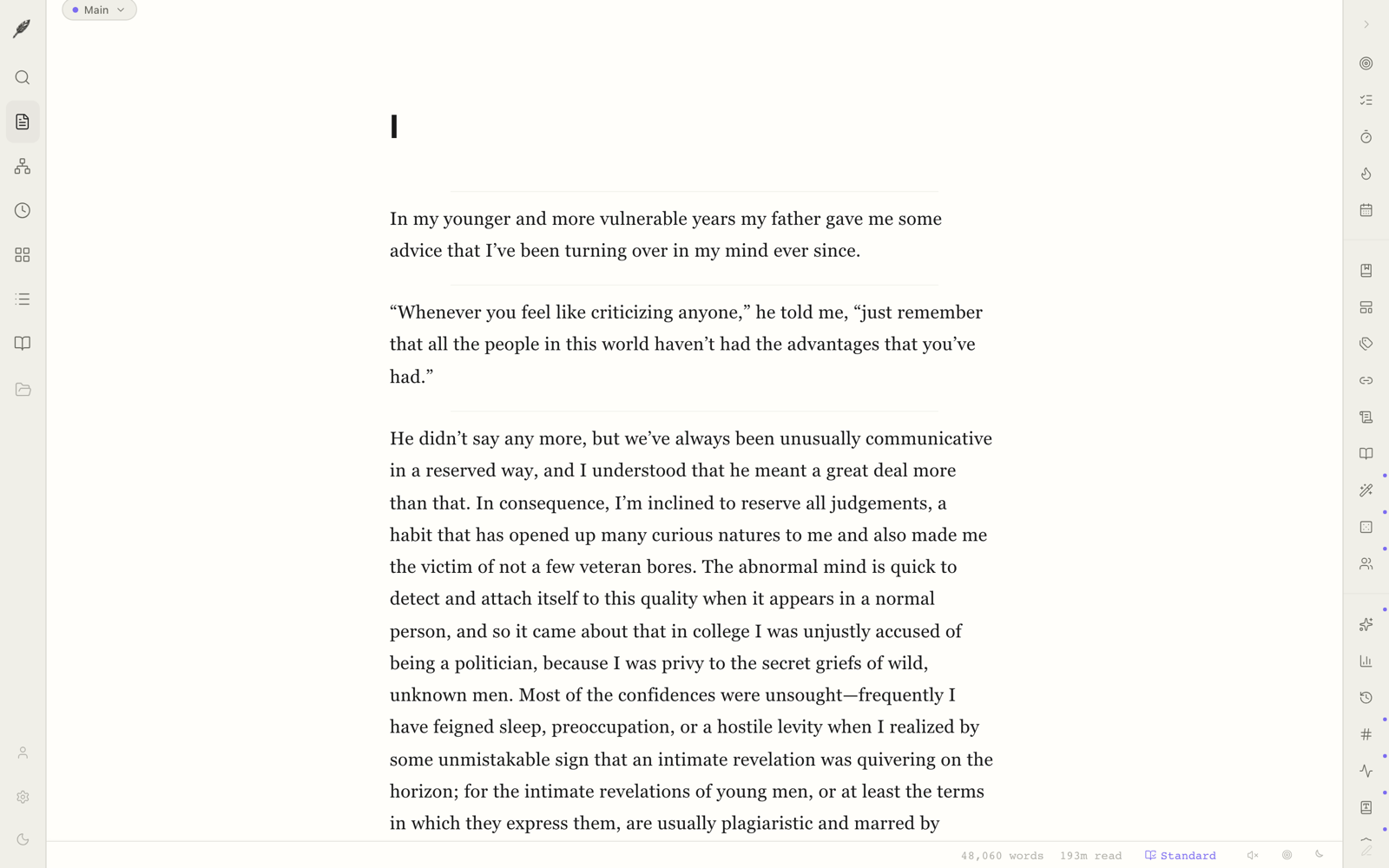
A single warm column. Word count quietly in the corner. Markdown beneath, but you never have to see it.
Built for the way novels and memoirs actually get made — slowly, in a single column, with the chrome out of the way.
Loomwork is built in Portland, Oregon, by a writer who got tired of word processors that wanted to be productivity apps. It is small, quiet, and yours.
Open the app and you are looking at a single column of warm paper. There is no toolbar above the text and no sidebar leaning in from the side. The cursor is where you left it. The word you wrote yesterday is still the word you wrote yesterday. If you want a binder, you can ask for one. If you want a corkboard or a graph, those are there too — but not until then. The default state is the page, and only the page.
The default state. Nothing else, until you ask for it.
Every view in Loomwork is a window onto the same book. The page is for writing. The binder is for thinking in chapters. The index cards are for laying out the deck and rearranging it. The chronology is for keeping the years straight. The graph is for the connections you can almost feel but not quite name. Switch between them with ⌘1 through ⌘5. None of them is the “real” room. The book is the real thing.
A single warm column. Word count quietly in the corner. Markdown beneath, but you never have to see it.
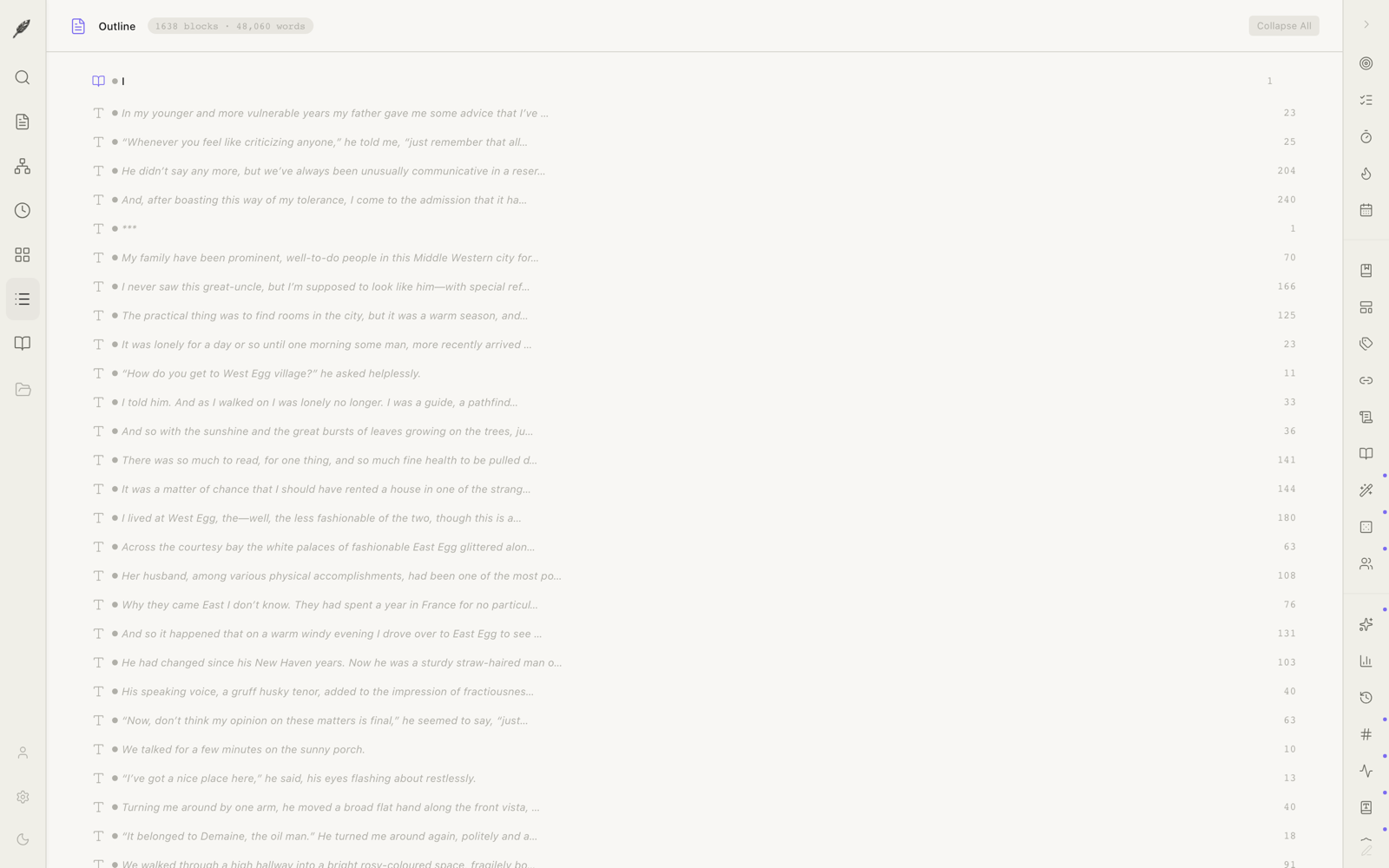
Part / Chapter / Scene as a tree. Drag a chapter and its scenes come with it. Word counts roll up.
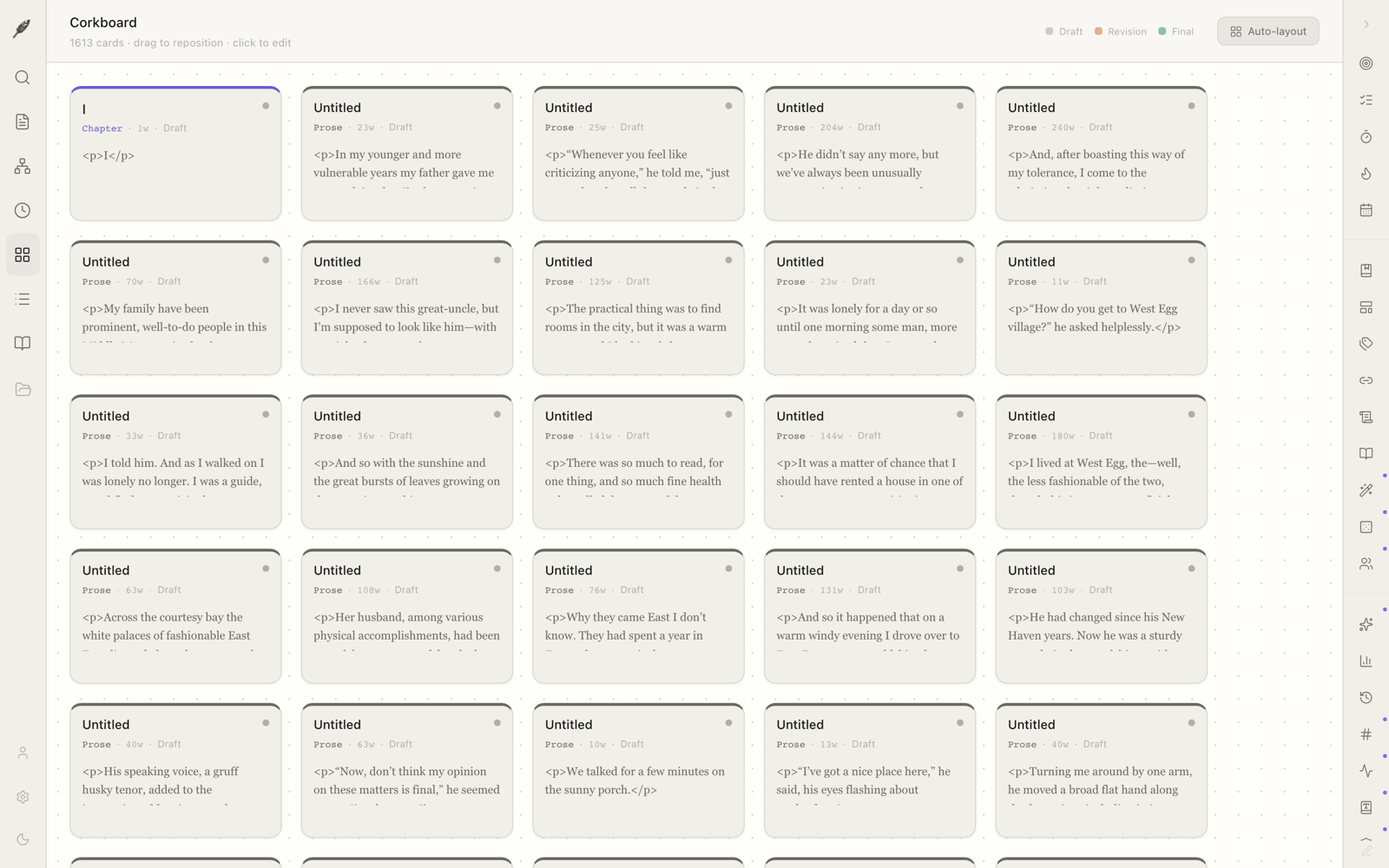
Every scene becomes a card. Move them around. Stand back. See the deck.
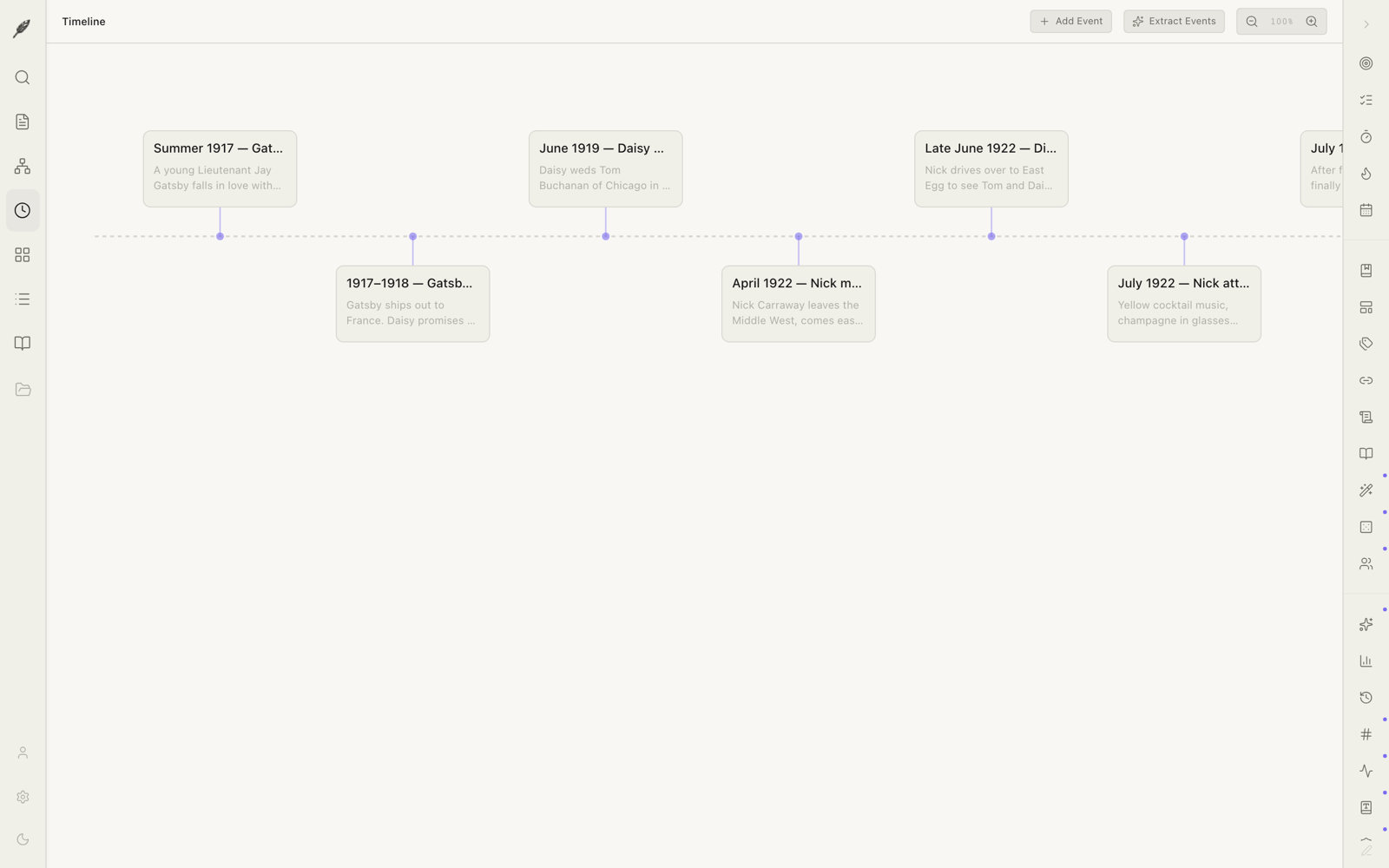
For a memoir or a multi-decade novel: the years laid end to end. Keep the events in order without writing them in order.
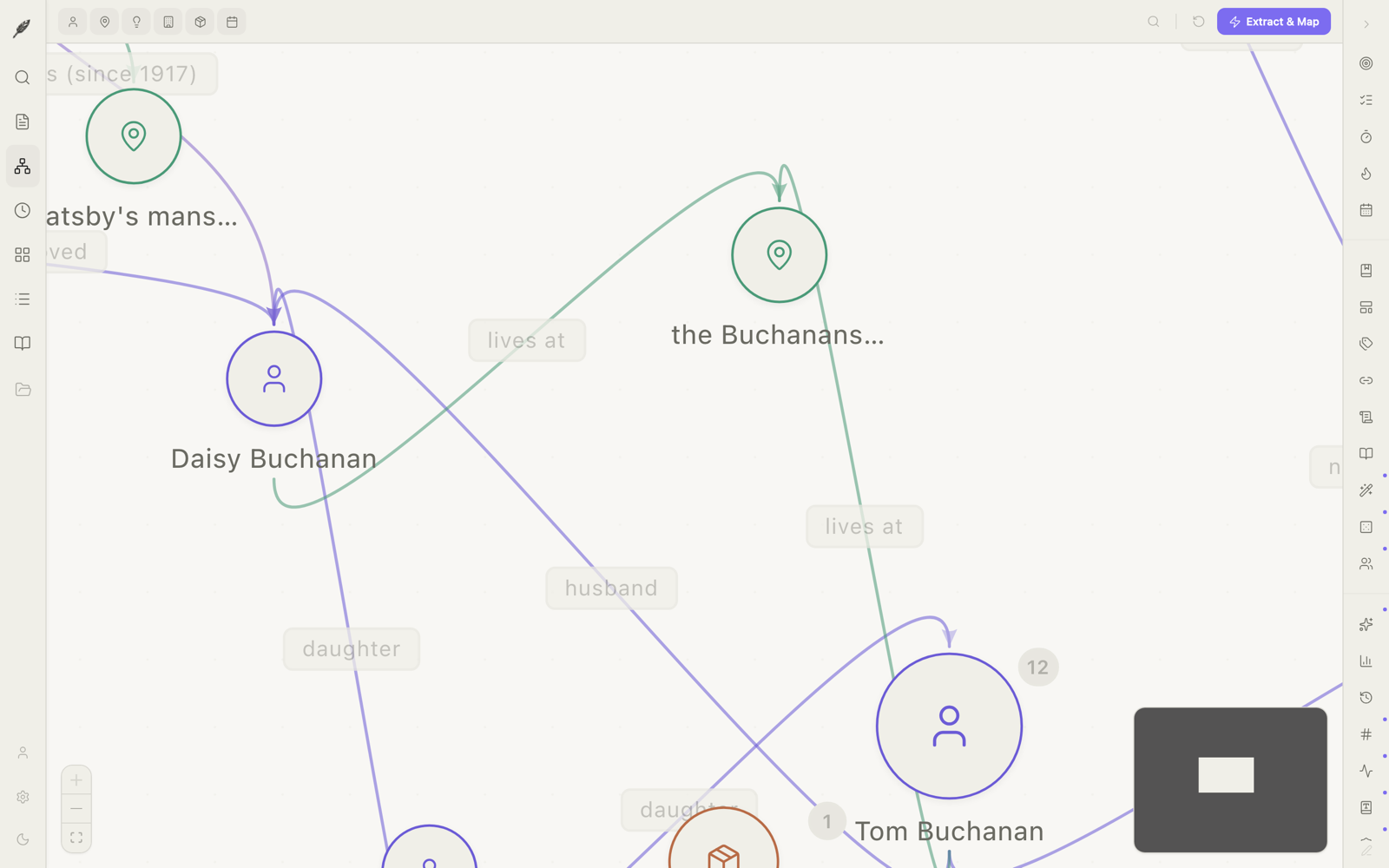
Characters, places, threads, and the lines between them. The kind of map you used to draw on the back of an envelope.
Build the book the way you would lay it out on a table. Parts hold chapters. Chapters hold scenes. Scenes hold whatever you wrote at four in the morning.
The light came on at four minutes past eight,
the way it had every evening since her father set
the lens, and Mary watched from the kitchen window
with her hands wrapped around the cup he had left her.
Loomwork exports your book in the William Shunn format that agents and editors actually use: 12-point Courier, double-spaced, name and word count on the cover, last-name / keyword / page in the running header. Your agent will recognise it on sight, and not have to spend an afternoon re-formatting before sending it on.
Eight export formats in all: DOCX, EPUB, Fountain (.fountain) for screenwriters, Final Draft (.fdx), PDF, plain Markdown, HTML, and plain text. Each one is built to be opened, not admired.
We do not believe in software that holds your work hostage. Loomwork stores every project as a folder of plain Markdown files in your Documents. You can open them in TextEdit. Email them to yourself. Print them. Copy them to a thumb drive. If we go away tomorrow, your book remains.
No accounts required. No cloud lock-in. No mystery format. The file you save tonight will still open in fifty years.
Loomwork shipped fourteen quiet additions in May. Three of them changed the shape of how the work gets done.
Compare any two snapshots side-by-side. Roll back a paragraph at a time. The book is reversible now.
Invite an editor by email. Track changes and comments cross the wire. Database-level row security — nobody who isn’t invited reads a sentence. Pro.
Send a private read-only URL to your beta readers. Optional comments. Auto-expires. Revocable. Pro.
An iPhone and iPad companion for quick notes, photos, and voice memos — auto-synced to the research room. Free with Pro when it ships.
Every book has a back room: the interview transcripts, the polaroids, the receipts and the maps and the half-readable napkins. Loomwork keeps them in one place, beside the manuscript but not in it.
Drop in a transcript. Pin a photograph. Paste a web clip with the source intact. Attach an audio file from your phone. Search across all of it without leaving the page you’re writing.

A small set of optional helpers: entity extraction (who is in this scene), continuity hints (Mary’s mother had brown eyes in chapter three), and thread tracking (the promise that hasn’t been kept yet). They run only when you ask, on a stateless cloud proxy that does not keep your text. Off by default. Pro feature. Easy to turn off and forget.
The full editor, all five rooms, every export format, every productivity tool — corkboard, timeline, focus mode, sprint timer, snippets, goals. Yours to keep.
Download for MacCloud sync between Macs. Beta-reader sharing. Manuscript-format export profiles. The optional research assistant. One subscription, no upsells.
Try Pro free for 30 days